

Every week there’s a new “best AI tools you should use” list making the rounds.
I’ve stopped reading them.
Most feel like they were written by someone who spent 20 minutes with each tool. No real workflow behind it. No honest take on what actually stuck.
So here’s mine. These are 5 tools that have genuinely become part of how I work, not tools I’ve tried once or revisit occasionally, but ones I reach for almost every day.
There are other tools in my stack, but these are the ones that have earned a permanent spot. Some I pay for out of my own pocket. Some are covered by my employer.
Let’s get to it…
1. Wispr Flow (personal)
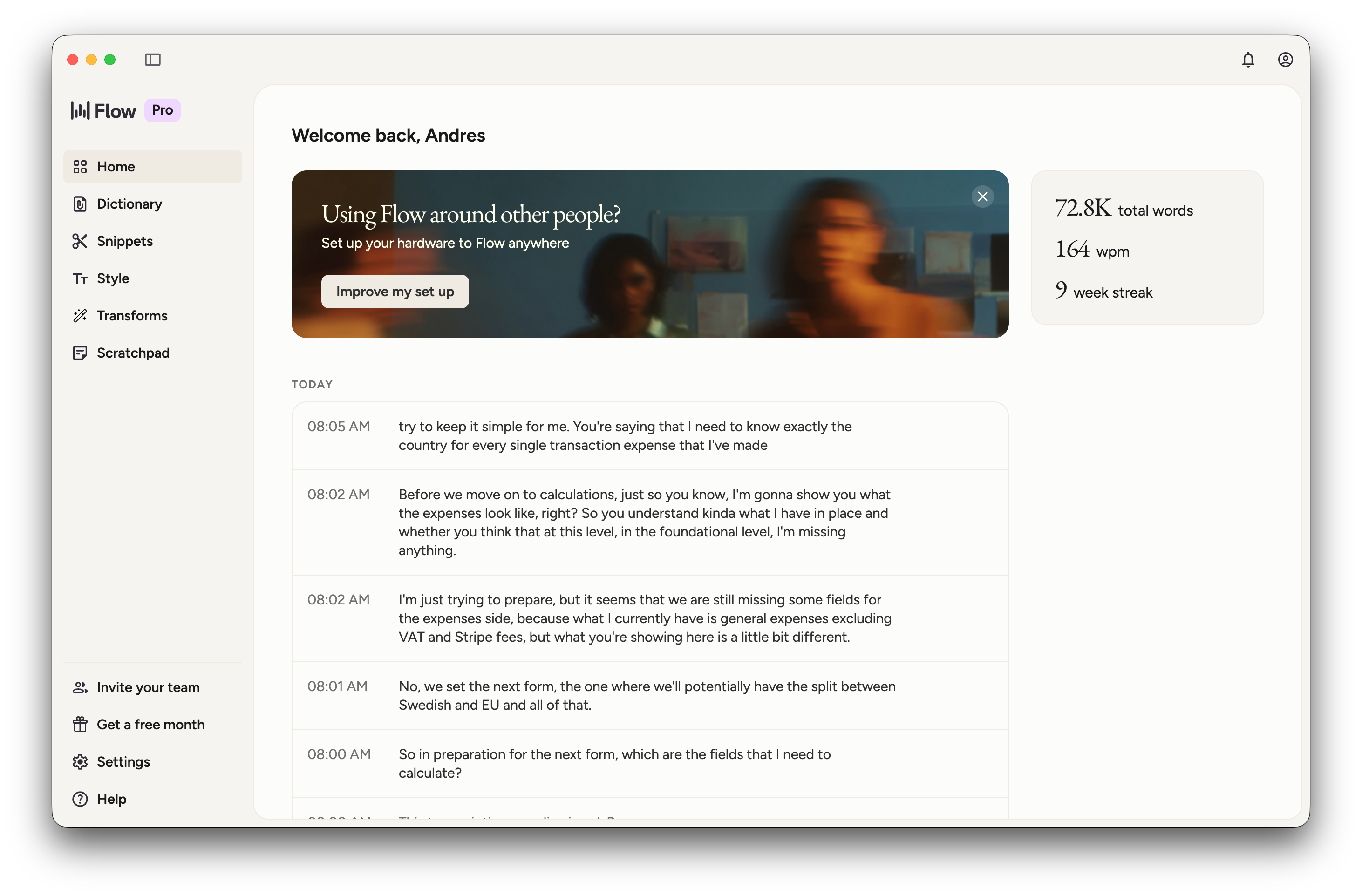
It’s a voice-to-text tool. But calling it that undersells it.
I think much faster when I’m speaking than when I’m typing. So Wispr Flow essentially removed the bottleneck between my brain and everything else in my stack. I use it to brainstorm out loud, give instructions to Claude, write Slack messages, and dump half-formed thoughts I clean up later.
That last one is something I do constantly: speak a messy brain dump into Wispr, hand it to Claude to organize, then use Claude to expand it into documentation, a deeper investigation, or a full draft. It’s become a core part of how I go from idea to output.
Because it sits at the input layer of everything I do, it speeds up every other tool on this list.
If you type everything and feel like your hands can’t keep up with your brain, this is worth trying.
Claude (personal Max, work standard)
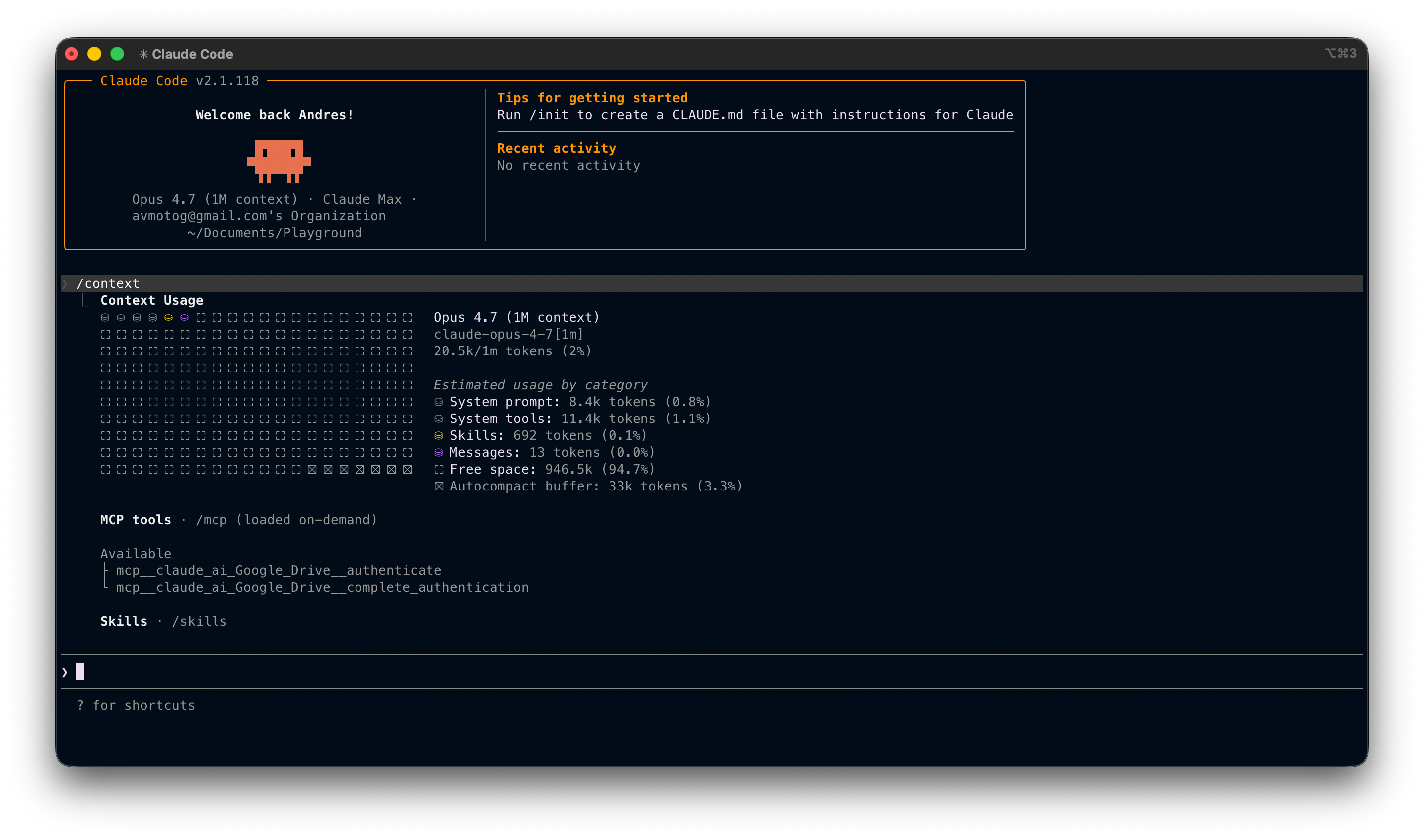
Claude is the center of my stack.
It’s how I brainstorm, write and debug code, think through problems, and draft communications. If Wispr Flow is the input layer, Claude is the brain.
My work covers Claude at a Pro tier. I personally pay for Max, not for my day job, but for everything else I build and experiment with outside of it. The difference matters for longer context, heavier reasoning tasks, and Claude Code, which handles end-to-end implementation, catches its own mistakes, and reasons through complex multi-step tasks in a way that genuinely changes what’s possible in a single working session.
Windsurf (personal)
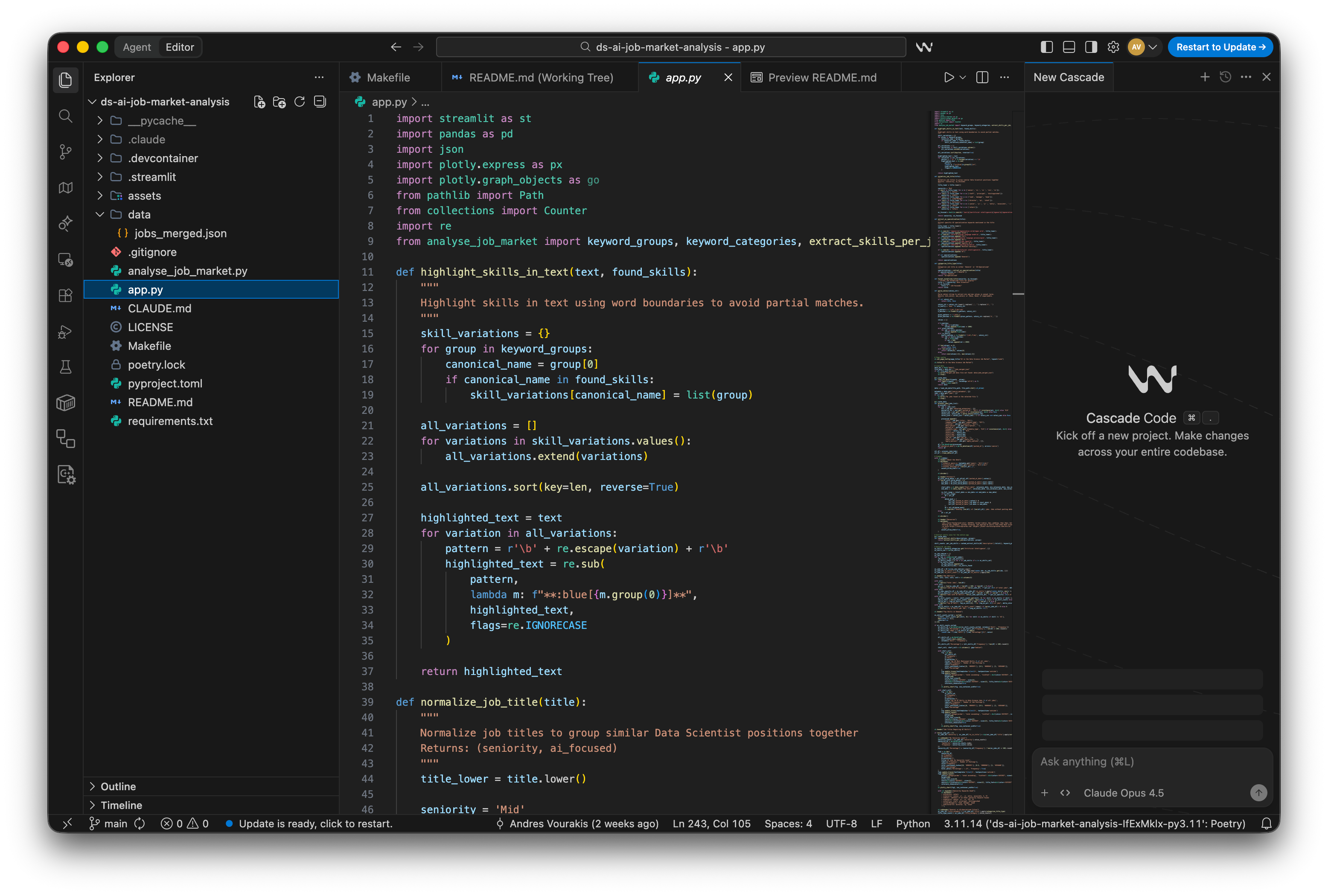
My work covers Cursor. I’ve used it and it’s good.
But I still pay for Windsurf out of pocket. I know that on paper it probably looks redundant: I already have Claude Code. I could just use VS Code and call it a day.
The honest answer is that Windsurf has features I genuinely enjoy using, and the IDE experience feels complete in a way that keeps me coming back. The agentic features are accurate and don’t require constant babysitting. It’s become a reliable backup that I reach for on personal projects, and occasionally I’ll use it alongside Claude in a sort of adversarial mode, where one checks the other’s work. Two different models, two different reasoning paths, one output that’s been pressure-tested.
Is it strictly necessary? Probably not. But it earns its place.
It’s my go-to setup for personal projects, weekend experiments, and anything I’m building outside of work.
“Take Notes for Me”, Google Meet (work)
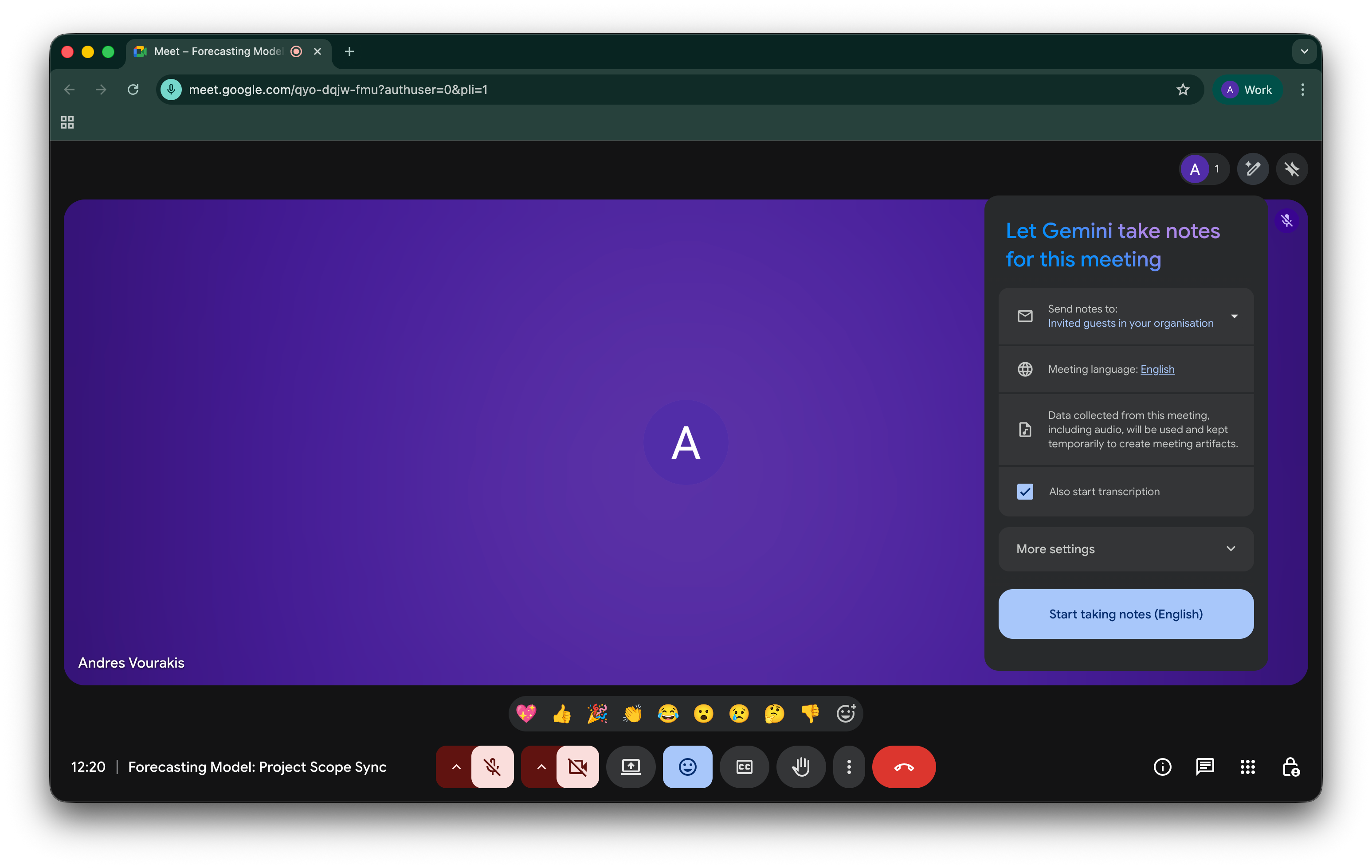
This one is easy to overlook because it’s baked into Google Meet, not a standalone product.
But “Take Notes for Me” has quietly become one of the most useful things in my workflow.
I work closely with stakeholders. Design discussions, alignment calls, requirements sessions. A lot of important context lives in those conversations. I used to take manual notes and still miss things.
Now I let Gemini handle it, and after the call I have a structured summary, action items, and a full transcript I can actually work with. More importantly, I can feed that directly as context into Claude and other tools. The discussion becomes usable input, not a memory I’m trying to reconstruct.
Not flashy. But it quietly makes everything else work better.
📚 NotebookLM
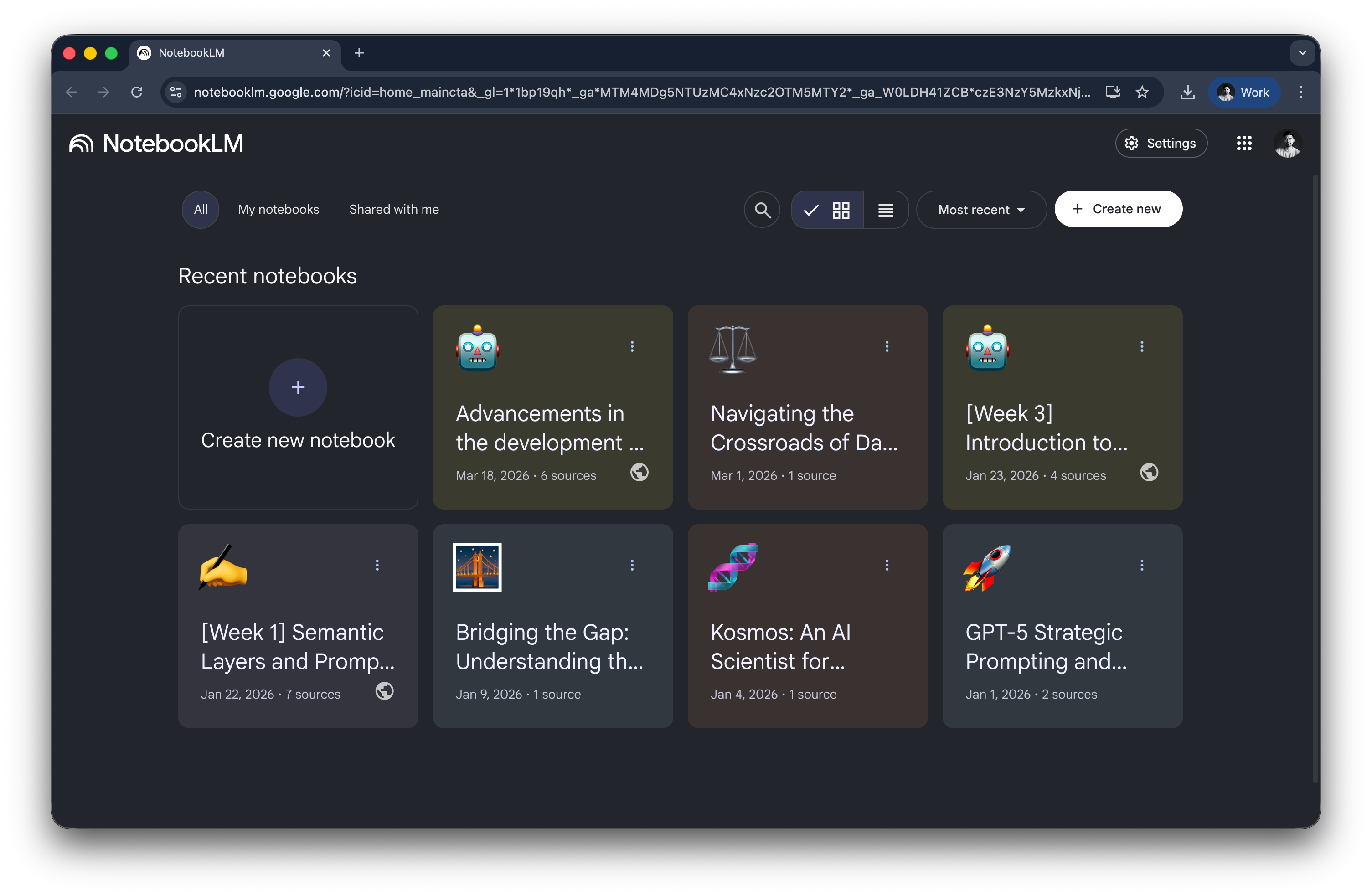
NotebookLM isn’t in my stack every single day, but it shows up often enough, and for a specific enough reason, that it belongs here.
When I’m doing research (reading papers, going deep on a topic) I don’t fully trust any single source, including Claude. Claude is excellent, but it can hallucinate, especially on niche or recent material.
NotebookLM lets me feed in the actual papers and articles I’m working with and get explanations and outlines grounded in those sources. It’s my verification layer. When I need to trust the answer, not just get one, this is where I go.
How it all fits together
Listing tools makes them sound more isolated than they are. In practice, this is one system.
Wispr Flow handles the input, speaking is faster than typing, so it removes friction at the start of almost every task.
Claude is where the real thinking and overhaul happens.
Windsurf gives me an IDE I enjoy working in, with Claude as a pressure-test on its output.
Google Workspace transcription captures stakeholder context that would otherwise get lost and feeds it downstream.
NotebookLM closes the loop when I need sourced answers rather than fast ones.
Each tool has a job. Together, they cover the full arc from raw idea to finished output.
A couple of other great resources:
🚀 Ready to take the next step? Get my free workshop on agentic analytics for data scientists.
🤖 Struggling to keep up with AI/ML? Neural Pulse is a 5-minute, human-curated newsletter delivering the best in AI, ML, and data science.
Thank you for reading! I hope you find this dashboard useful.
- Andres Vourakis
Before you go, please hit the like ❤️ button at the bottom of this email to help support me. It truly makes a difference!
Always appreciate these posts. Informative, clear, and motivating. Thx.